TVR CERBERA - modelling process
my step by step modelling process for modelling a car
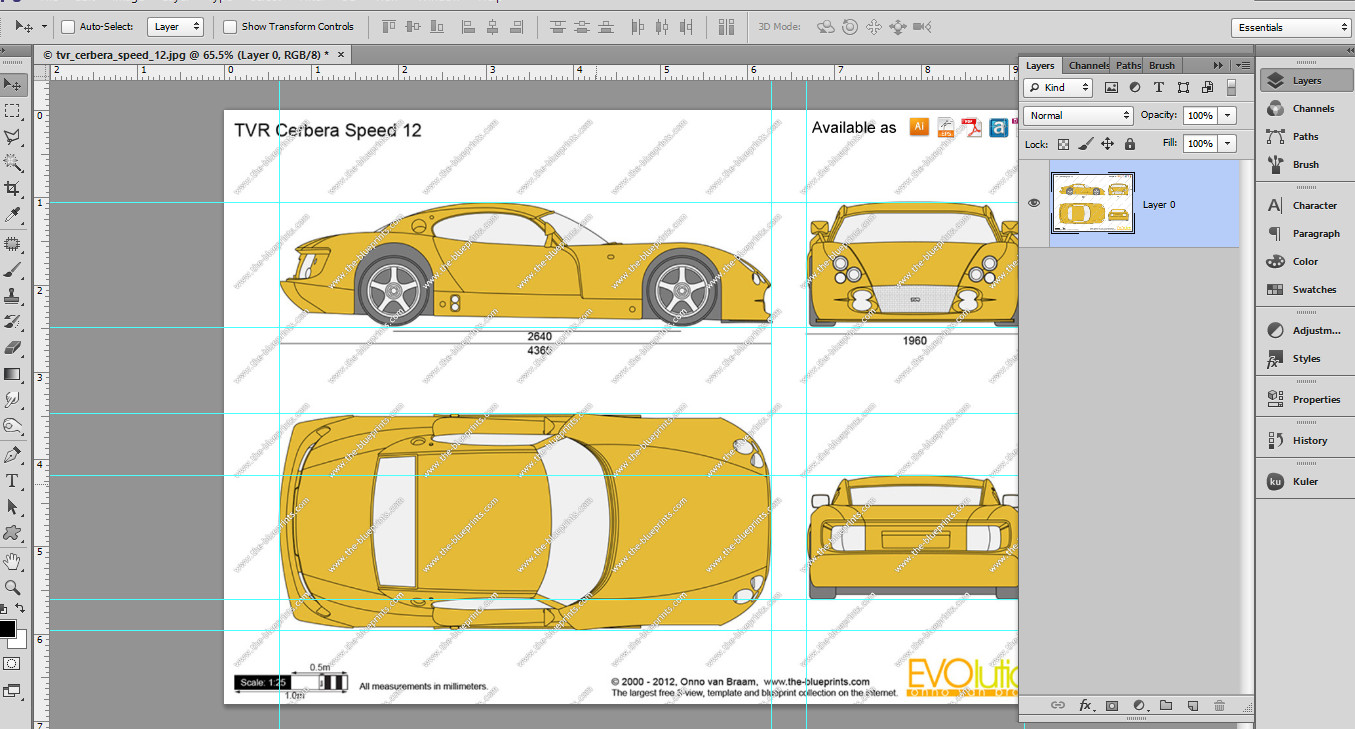
001 - preparing blueprint images in Photoshop

002 - individual blueprints taken off — at Mermac.

003 - ready to begin modelling

004 - arranging the blueprints in 3dsmax

005 - modelling the first main geometry polygon edges

006 - modelling the other polygon edges

007 - starting to block the geometry

008 - now it's starting to look like a car

009 - blocking main geometry

010 - blocking more geometry

011 - modelling the headlights holes

012 - blocking the front geometry

013 - testing the chameleon car paint material

014 - modelling the wheels and tires

015 - testing the headlights

016 - front grill is almost done

017 - modelling the doors and the back

018 - adding more details to the back

019 - testing the geometry and the chosen car paint

020 - front test render

021 - side test render

022 - back side test render

023 - testing tires and wheels materials

024 - another test render

025 - testing details